

EzMaker AI
EzMaker AI is a free online AI photo editor for removing objects, enhancing quality, and transforming images without sign-up.
Relevant Reads
Related AI Tools
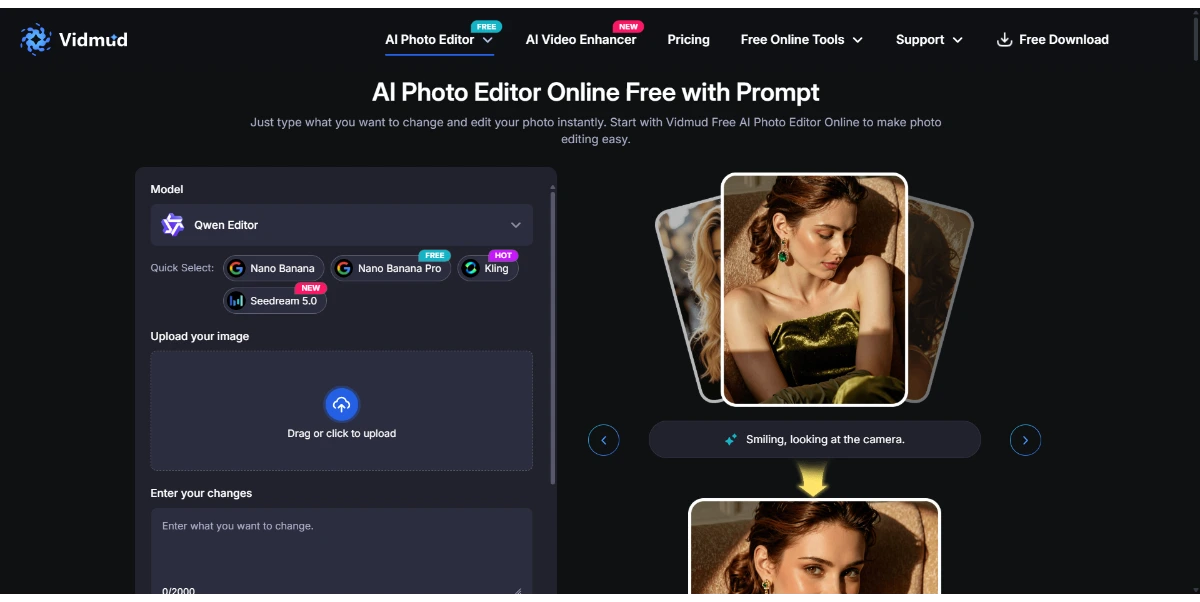
Vidmud Photo Editor
Vidmud AI Photo Editor is a free online tool for enhancing, modifying, and transforming images using text prompts, requiring no sign-up or download.

Photo Upscaler AI
AI-powered online image upscaler that enhances photo quality, increases resolution up to 8K, and sharpens blurry images.

AI Clothes Swap
AI Clothes Swap is a free AI clothes changer and virtual try-on studio for stylists, e-commerce, and social creators.

AI Video Editor
AI Video Editor is a prompt-based tool for editing video clips with AI, offering features like object removal, product recoloring, and visual style changes.

Wondershare Relumi
AI photo editor for iOS/Android, fixing blinks, restoring old photos, animating portraits, and enhancing images with text-to-edit features.

iLikeIMG
iLikeIMG offers 90+ free AI tools online for photo and video editing, enhancement, and generation without installation.
Qwen3.8-Max
Qwen is a family of generalist AI models, including LLMs and multimodal capabilities, developed by the Qwen Team.
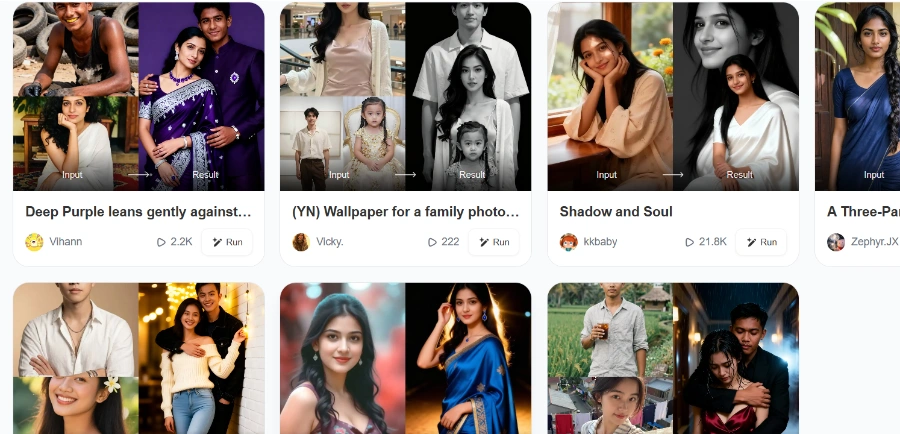
Beatmo
Beatmo is an AI tool that transforms still photos into dynamic motion videos, offering photo animation, text-to-visual generation, and image reshaping for creators.
Allows users to seamlessly remove unwanted elements like photobombers, cluttered objects, or watermarks from images by painting over the target area. The AI automatically fills in the background based on surrounding context.
Precisely extracts subjects from images, including fine details like hair or transparent objects, allowing for instant background replacement with a solid color or a custom scene.
Intelligently expands the surrounding content of an image to change its dimensions, transforming square photos into widescreen banners, wallpapers, or vertical posters without stretching, cropping, or sacrificing quality.
Transforms blurry, low-resolution, or vintage photos into high-definition images by restoring details, removing noise, sharpening textures, and enhancing facial features. It also allows users to enlarge images by 2x, 4x, or 8x up to 4K resolution with a single click.
Allows users to tweak specific sections of an image or apply edits by typing simple text prompts, enabling precise control over transformations.
Detailed Pricing Info
- Completely free to use with no hidden costs or paywalls.
- No sign-up or account creation is required to access all features.
- Ensures user privacy by deleting uploaded photos permanently within 24 hours and not using them for third-party training.
- Delivers lightning-fast AI image processing results in seconds.
- Offers a wide range of powerful AI editing tools including object removal, background removal, image expansion, enhancement, and upscaling.
- No specific limitations or drawbacks are mentioned in the provided official landing page content, which emphasizes unlimited and unrestricted use.
What is EzMaker AI?
Is EzMaker AI truly free?
How does EzMaker AI handle user privacy?
What image formats does EzMaker AI support?
Related Topics
Write a Review
Community Feedback (0)
Ready to try EzMaker AI?
Vidmud Photo Editor
Vidmud AI Photo Editor is a free online tool for enhancing, modifying, and transforming images using text prompts, requiring no sign-up or download.
Photo Upscaler AI
AI-powered online image upscaler that enhances photo quality, increases resolution up to 8K, and sharpens blurry images.
AI Clothes Swap
AI Clothes Swap is a free AI clothes changer and virtual try-on studio for stylists, e-commerce, and social creators.
AI Video Editor
AI Video Editor is a prompt-based tool for editing video clips with AI, offering features like object removal, product recoloring, and visual style changes.
Wondershare Relumi
AI photo editor for iOS/Android, fixing blinks, restoring old photos, animating portraits, and enhancing images with text-to-edit features.
iLikeIMG
iLikeIMG offers 90+ free AI tools online for photo and video editing, enhancement, and generation without installation.
Qwen3.8-Max
Qwen is a family of generalist AI models, including LLMs and multimodal capabilities, developed by the Qwen Team.
Beatmo
Beatmo is an AI tool that transforms still photos into dynamic motion videos, offering photo animation, text-to-visual generation, and image reshaping for creators.