

Facefame
Facefame is an AI photo generator that creates professional ID photos for passports, visas, driver's licenses, and job applications.
Related Categories
Relevant Reads
Related AI Tools
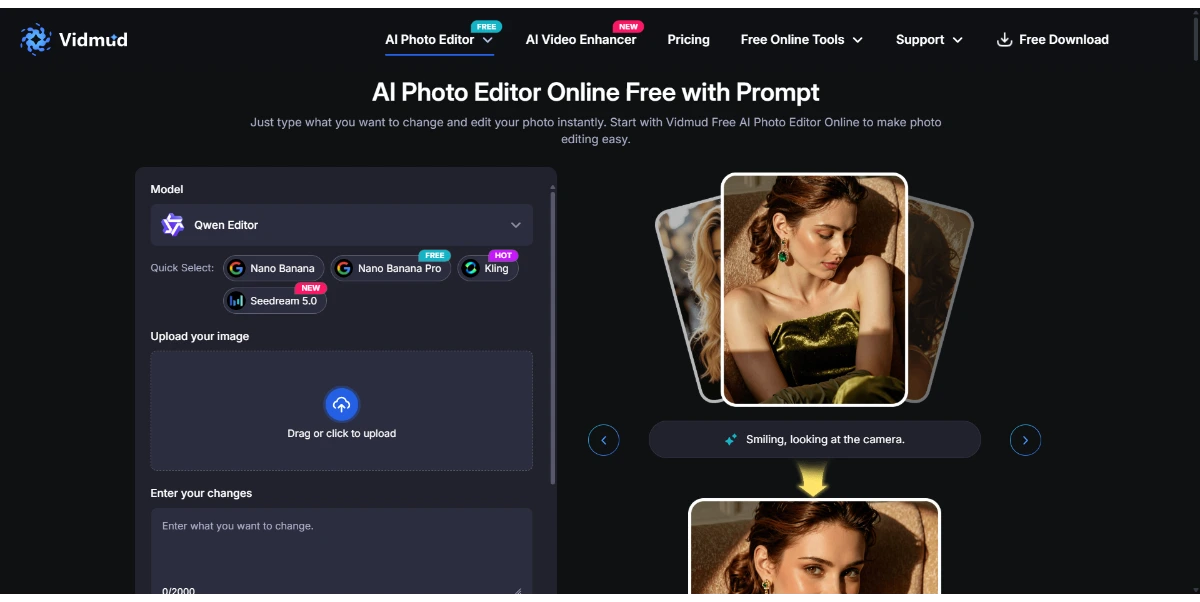
Vidmud Photo Editor
Vidmud AI Photo Editor is a free online tool for enhancing, modifying, and transforming images using text prompts, requiring no sign-up or download.

Photo Upscaler AI
AI-powered online image upscaler that enhances photo quality, increases resolution up to 8K, and sharpens blurry images.

AI Clothes Swap
AI Clothes Swap is a free AI clothes changer and virtual try-on studio for stylists, e-commerce, and social creators.

AI Video Editor
AI Video Editor is a prompt-based tool for editing video clips with AI, offering features like object removal, product recoloring, and visual style changes.

Wondershare Relumi
AI photo editor for iOS/Android, fixing blinks, restoring old photos, animating portraits, and enhancing images with text-to-edit features.

iLikeIMG
iLikeIMG offers 90+ free AI tools online for photo and video editing, enhancement, and generation without installation.
Qwen3.8-Max
Qwen is a family of generalist AI models, including LLMs and multimodal capabilities, developed by the Qwen Team.
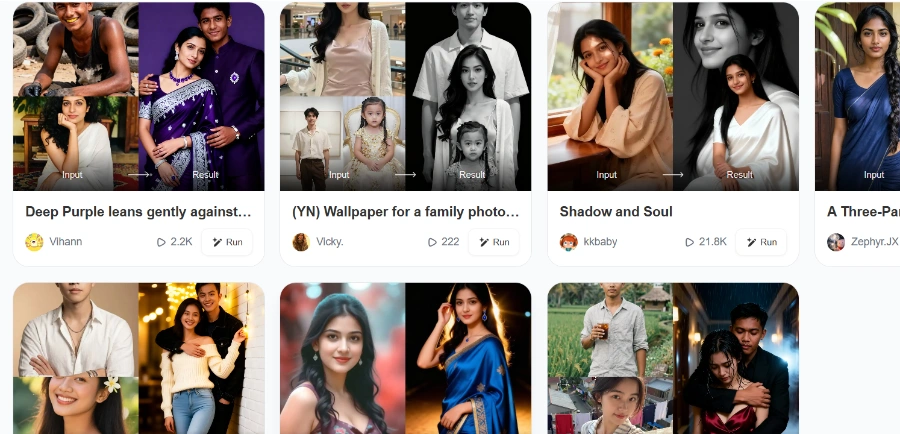
Beatmo
Beatmo is an AI tool that transforms still photos into dynamic motion videos, offering photo animation, text-to-visual generation, and image reshaping for creators.
Generates various types of photos using artificial intelligence, specifically tailored for official identification purposes.
Specializes in creating compliant photos for official documents such as passports, visas, and driver's licenses.
Produces suitable and professional photos specifically for job applications.
Ensures that generated photos meet the necessary standards and requirements for official documents.
Automatically applies perfect lighting and standard backgrounds to ensure photos are suitable for official use.
Provides options for users to delete uploaded images, generated images/videos, and specific filters within the application.
Automatically refunds points consumed by users if a photo generation process fails.
Detailed Pricing Info
- Generates professional ID photos instantly, saving time and effort.
- Guarantees compliance for official documents like passports, visas, and driver's licenses.
- Ensures perfect lighting and standard backgrounds for all generated official photos.
- Automatically refunds consumed points if a photo generation fails, preventing loss of credits.
- Users can face a permanent device ban for logging out of their account two or more times on a single device.
- Generation failures can occur due to unstable network connections, sensitive content, or temporary server fluctuations.
- Deleted filters cannot be recovered once removed from the app.
How do I delete pictures/videos in Facefame?
Why might a generation fail in Facefame?
Why was my Facefame account banned?
How do I cancel my Facefame subscription?
Why was my payment successful but the Facefame order not delivered?
Main Categories
Related Topics
Write a Review
Community Feedback (0)
Ready to try Facefame?
Vidmud Photo Editor
Vidmud AI Photo Editor is a free online tool for enhancing, modifying, and transforming images using text prompts, requiring no sign-up or download.
Photo Upscaler AI
AI-powered online image upscaler that enhances photo quality, increases resolution up to 8K, and sharpens blurry images.
AI Clothes Swap
AI Clothes Swap is a free AI clothes changer and virtual try-on studio for stylists, e-commerce, and social creators.
AI Video Editor
AI Video Editor is a prompt-based tool for editing video clips with AI, offering features like object removal, product recoloring, and visual style changes.
Wondershare Relumi
AI photo editor for iOS/Android, fixing blinks, restoring old photos, animating portraits, and enhancing images with text-to-edit features.
iLikeIMG
iLikeIMG offers 90+ free AI tools online for photo and video editing, enhancement, and generation without installation.
Qwen3.8-Max
Qwen is a family of generalist AI models, including LLMs and multimodal capabilities, developed by the Qwen Team.
Beatmo
Beatmo is an AI tool that transforms still photos into dynamic motion videos, offering photo animation, text-to-visual generation, and image reshaping for creators.