

Luminar Neo
AI-powered photo editing software for Mac and Windows, combining non-destructive RAW editing with one-click AI tools.
Relevant Reads
Related AI Tools
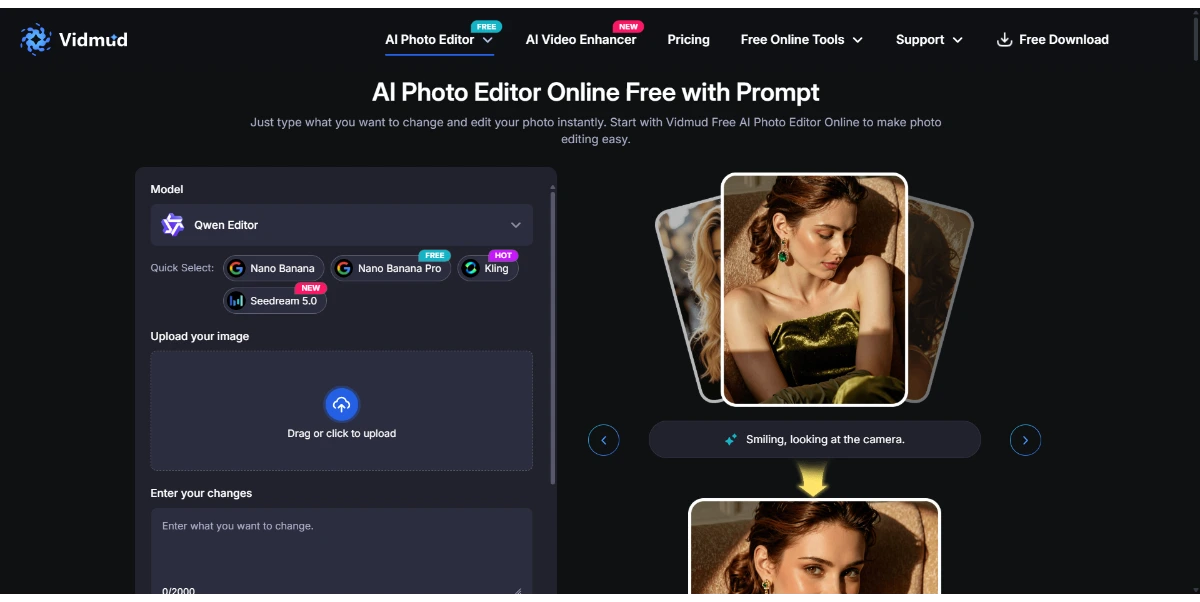
Vidmud Photo Editor
Vidmud AI Photo Editor is a free online tool for enhancing, modifying, and transforming images using text prompts, requiring no sign-up or download.

Photo Upscaler AI
AI-powered online image upscaler that enhances photo quality, increases resolution up to 8K, and sharpens blurry images.

AI Clothes Swap
AI Clothes Swap is a free AI clothes changer and virtual try-on studio for stylists, e-commerce, and social creators.

AI Video Editor
AI Video Editor is a prompt-based tool for editing video clips with AI, offering features like object removal, product recoloring, and visual style changes.

Wondershare Relumi
AI photo editor for iOS/Android, fixing blinks, restoring old photos, animating portraits, and enhancing images with text-to-edit features.

iLikeIMG
iLikeIMG offers 90+ free AI tools online for photo and video editing, enhancement, and generation without installation.
Qwen3.8-Max
Qwen is a family of generalist AI models, including LLMs and multimodal capabilities, developed by the Qwen Team.
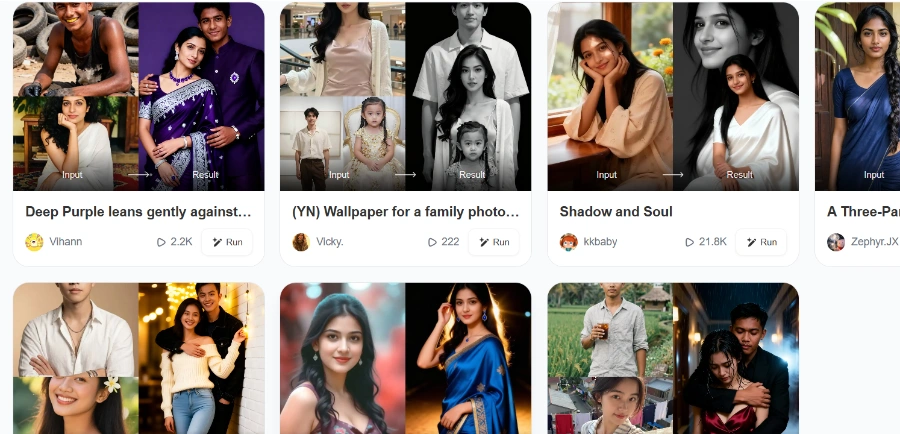
Beatmo
Beatmo is an AI tool that transforms still photos into dynamic motion videos, offering photo animation, text-to-visual generation, and image reshaping for creators.
Utilizes groundbreaking AI algorithms to automatically improve image quality with minimal effort.
Allows users to work directly with RAW files to achieve maximum quality and detail, with edits made without altering the original image file.
Enables layering of multiple images, adjustments, or effects on top of each other to create complex compositions or subtle enhancements.
Includes Generative Expand, Generative Deletion, and Generative Exchange for advanced image manipulation and content generation.
Offers 120 AI-powered presets, 50 overlays, 35 skies, and 40 LUTs to achieve professional results with a single click.
Works seamlessly as a plugin for Adobe Photoshop, Adobe Lightroom Classic, and Photos for macOS, integrating into existing workflows.
Allows users to apply edits efficiently to multiple photos simultaneously, saving time and ensuring consistency.
Detailed Pricing Info
- AI-powered tools simplify complex tasks and provide professional results with minimal effort.
- Supports non-destructive RAW editing, preserving original image quality and data.
- Functions as both a standalone application and a plugin for popular photo editing software (Photoshop, Lightroom, Apple Photos).
- Offers a vast array of advanced editing functions including layers, lens correction, cloning, and color enhancement.
- Features an intuitive, award-winning user interface suitable for both beginners and professionals.
- Includes efficient batch processing capabilities to save time and ensure consistency across multiple images.
- No specific limitations or drawbacks are mentioned in the provided official source material.
What is Luminar Neo?
Is there a free trial?
Is Luminar Neo a subscription or a one-time purchase?
Does Luminar Neo run on both Mac and Windows?
Main Categories
Related Topics
Write a Review
Community Feedback (0)
Ready to try Luminar Neo?
Vidmud Photo Editor
Vidmud AI Photo Editor is a free online tool for enhancing, modifying, and transforming images using text prompts, requiring no sign-up or download.
Photo Upscaler AI
AI-powered online image upscaler that enhances photo quality, increases resolution up to 8K, and sharpens blurry images.
AI Clothes Swap
AI Clothes Swap is a free AI clothes changer and virtual try-on studio for stylists, e-commerce, and social creators.
AI Video Editor
AI Video Editor is a prompt-based tool for editing video clips with AI, offering features like object removal, product recoloring, and visual style changes.
Wondershare Relumi
AI photo editor for iOS/Android, fixing blinks, restoring old photos, animating portraits, and enhancing images with text-to-edit features.
iLikeIMG
iLikeIMG offers 90+ free AI tools online for photo and video editing, enhancement, and generation without installation.
Qwen3.8-Max
Qwen is a family of generalist AI models, including LLMs and multimodal capabilities, developed by the Qwen Team.
Beatmo
Beatmo is an AI tool that transforms still photos into dynamic motion videos, offering photo animation, text-to-visual generation, and image reshaping for creators.