

PicFixer
PicFixer is an online AI photo editor and headshot generator offering restoration, enhancement, and creative tools without sign-up or downloads.
Related Categories
Relevant Reads
Related AI Tools
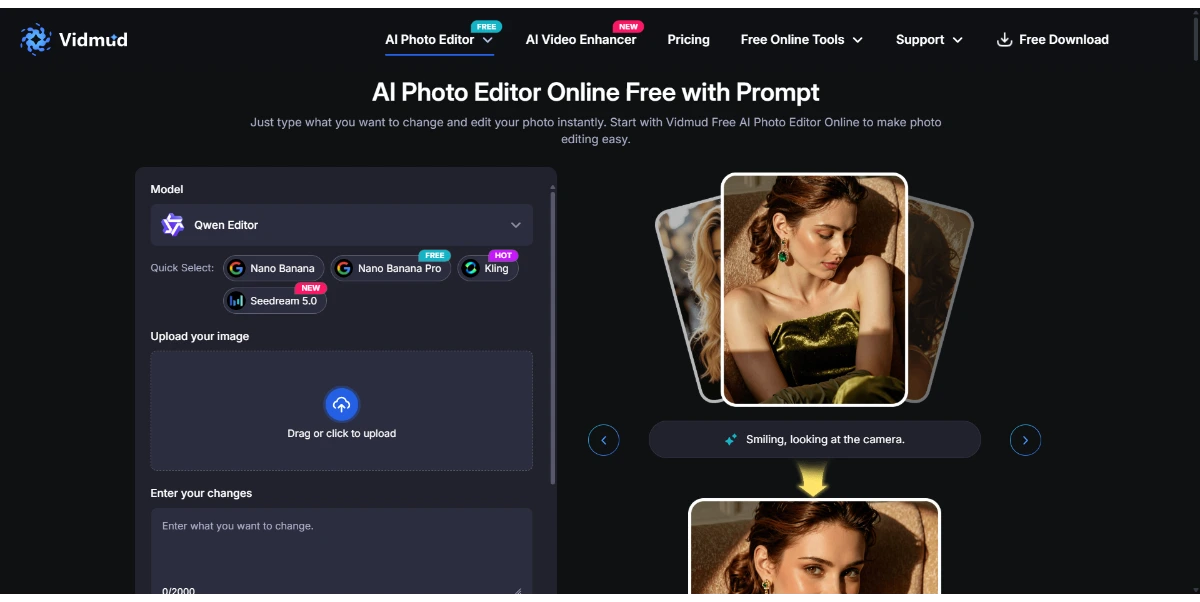
Vidmud Photo Editor
Vidmud AI Photo Editor is a free online tool for enhancing, modifying, and transforming images using text prompts, requiring no sign-up or download.

Photo Upscaler AI
AI-powered online image upscaler that enhances photo quality, increases resolution up to 8K, and sharpens blurry images.

AI Clothes Swap
AI Clothes Swap is a free AI clothes changer and virtual try-on studio for stylists, e-commerce, and social creators.

AI Video Editor
AI Video Editor is a prompt-based tool for editing video clips with AI, offering features like object removal, product recoloring, and visual style changes.

Wondershare Relumi
AI photo editor for iOS/Android, fixing blinks, restoring old photos, animating portraits, and enhancing images with text-to-edit features.

iLikeIMG
iLikeIMG offers 90+ free AI tools online for photo and video editing, enhancement, and generation without installation.
Qwen3.8-Max
Qwen is a family of generalist AI models, including LLMs and multimodal capabilities, developed by the Qwen Team.
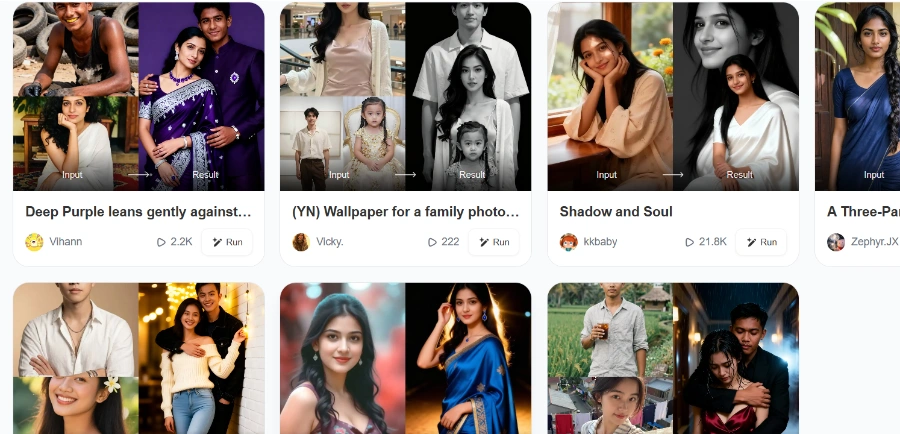
Beatmo
Beatmo is an AI tool that transforms still photos into dynamic motion videos, offering photo animation, text-to-visual generation, and image reshaping for creators.
Transforms selfies into studio-quality headshots suitable for LinkedIn, resumes, ERAS medical applications, real estate profiles, and acting portfolios by automatically correcting lighting, replacing backgrounds, and updating attire.
Utilizes AI to upscale photos up to 4x their original size, remove noise, fix blur, recover lost facial details, and remove harsh shadows, bringing blurry or low-resolution images back to clarity.
Fixes blur, scratches, and fading in old family photos, reviving them and bringing them back to life with enhanced detail and clarity.
Extracts handwritten signatures into transparent PNGs for digital contracts and documents, streamlining workflows without requiring advanced software like Photoshop.
Transforms photos into various artistic styles like cartoon, sketch, oil paint, pixel art, or anime. Also generates cinematic movie posters and professional album covers from text descriptions.
Corrects portraits affected by harsh sunlight or uneven lighting by removing tree shadows, adjusting exposure, and restoring natural skin tones, ideal for outdoor photography.
Provides tools for business needs such as enhancing product shots, background removal, interior staging, and generating seamless textures.
Detailed Pricing Info
- Offers free credits and functionality without requiring a credit card or sign-up, making it easily accessible.
- Provides a wide range of AI-powered tools for diverse needs, including professional headshots, photo restoration, commercial use, and creative art generation.
- All paid plans include a commercial use license, allowing users to legally use generated images for business purposes.
- Operates entirely in-browser, eliminating the need for software downloads or specialized design skills.
- Supports high-resolution downloads and offers various output formats (JPG, PNG, WebP, Original) for paid users.
- The platform is available in 9 languages, catering to a diverse global user base.
- Unused credits do not roll over to the next billing cycle, potentially leading to wasted credits if not fully utilized.
- The tool does not automatically handle specific image requirements like cropping, DPI, or compression for applications such as MyERAS, requiring manual verification by the user.
- Credit consumption varies by tool, with AI-generated images consuming 2 credits each, which might be higher than expected for some users.
Do I need professional photos to create an AI headshot?
Is the signature extraction tool really free?
How does the AI photo enhancer work?
Who owns the generated images?
Do unused credits roll over to the next month?
How are credits counted?
Related Topics
Write a Review
Community Feedback (0)
Ready to try PicFixer?
Vidmud Photo Editor
Vidmud AI Photo Editor is a free online tool for enhancing, modifying, and transforming images using text prompts, requiring no sign-up or download.
Photo Upscaler AI
AI-powered online image upscaler that enhances photo quality, increases resolution up to 8K, and sharpens blurry images.
AI Clothes Swap
AI Clothes Swap is a free AI clothes changer and virtual try-on studio for stylists, e-commerce, and social creators.
AI Video Editor
AI Video Editor is a prompt-based tool for editing video clips with AI, offering features like object removal, product recoloring, and visual style changes.
Wondershare Relumi
AI photo editor for iOS/Android, fixing blinks, restoring old photos, animating portraits, and enhancing images with text-to-edit features.
iLikeIMG
iLikeIMG offers 90+ free AI tools online for photo and video editing, enhancement, and generation without installation.
Qwen3.8-Max
Qwen is a family of generalist AI models, including LLMs and multimodal capabilities, developed by the Qwen Team.
Beatmo
Beatmo is an AI tool that transforms still photos into dynamic motion videos, offering photo animation, text-to-visual generation, and image reshaping for creators.