
SlidesPilot
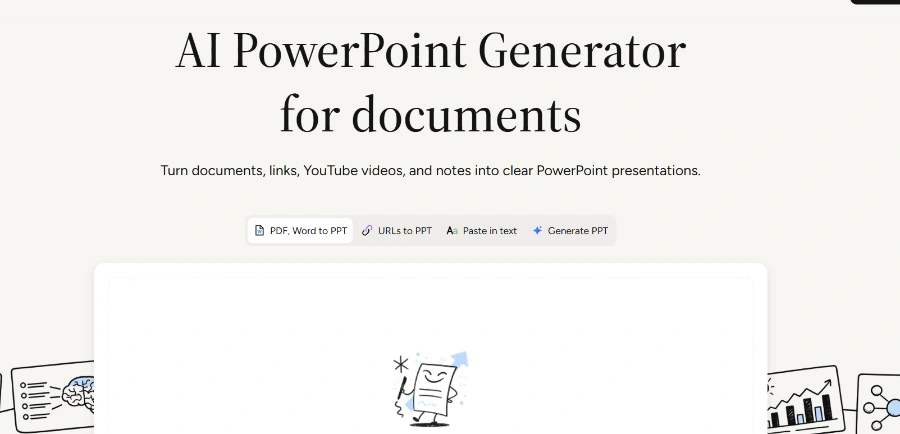
AI PowerPoint generator that converts documents, links, videos, and text into clear, presentation-ready slides.
Related Categories
Relevant Reads
Related AI Tools

Dokie AI
Dokie AI is an AI presentation maker that creates professional, brand-aligned slides with clean layouts in minutes.

FlowchartAI
FlowchartAI is an all-in-one AI productivity hub for diagrams, file conversion, video editing, and transcription, designed for teams and individuals.

Make infographic AI
AI infographic maker that converts text, notes, or data into beautiful infographics, timelines, and charts without sign-up.

Prezi
WorkPPT is an AI-powered all-in-one platform for generating presentations, summarizing content, chatting with AI, and managing PDFs.
Generates PowerPoint presentations from various source materials including PDFs, Word documents, existing PPTX files, web pages, YouTube videos, pasted text, or a topic prompt.
Identifies central ideas in long-form material and organizes them into a focused outline and logical slide sequence, building a coherent storyline for the presentation.
Refines slide content, structure, layout, and design with an AI presentation agent as the deck develops, creating concise slide copy and purposeful layouts.
Automatically converts suitable data and relationships from the source material into visuals like charts, tables, and diagrams to aid audience understanding.
Allows users to apply built-in or custom themes for consistent fonts, colors, backgrounds, and logos throughout the generated presentation.
Enables downloading an editable PPTX file, continuing work in PowerPoint or Google Slides, exporting to PDF or PNG, or presenting online.
Supports direct drag & drop or upload of PDF, Word, or PPT formats with a maximum file size of 50MB.
Detailed Pricing Info
- Efficiently converts various complex source materials into clear, presentation-ready PowerPoint decks, saving significant time in content organization and slide creation.
- Intelligently analyzes source material to identify main ideas, groups related concepts, and arranges them into a coherent narrative structure suitable for an audience.
- Supports a wide range of input formats including PDFs, Word documents, web pages, YouTube videos, raw text, and topic prompts, offering high versatility.
- Provides editable PPTX export, allowing users to refine, add examples, and integrate the generated draft with existing workflows in PowerPoint or Google Slides.
- Automatically incorporates charts, tables, and diagrams where appropriate to make complex information easier to understand and visually engaging.
- Helps users create a strong starting point for presentations, reducing the initial effort and allowing focus on refinement and specific audience needs.
- The provided official landing page does not explicitly state any limitations or cons of the tool.
What is an AI PowerPoint generator?
Main Categories
Related Topics
Write a Review
Community Feedback (0)
Ready to try SlidesPilot?
Dokie AI
Dokie AI is an AI presentation maker that creates professional, brand-aligned slides with clean layouts in minutes.
FlowchartAI
FlowchartAI is an all-in-one AI productivity hub for diagrams, file conversion, video editing, and transcription, designed for teams and individuals.
Make infographic AI
AI infographic maker that converts text, notes, or data into beautiful infographics, timelines, and charts without sign-up.
Prezi
WorkPPT is an AI-powered all-in-one platform for generating presentations, summarizing content, chatting with AI, and managing PDFs.