
Vmaker AI
Vmaker AI is an AI-powered video generator and editor that transforms various content types into engaging videos for creators and businesses.
Related Categories
Relevant Reads
Related AI Tools
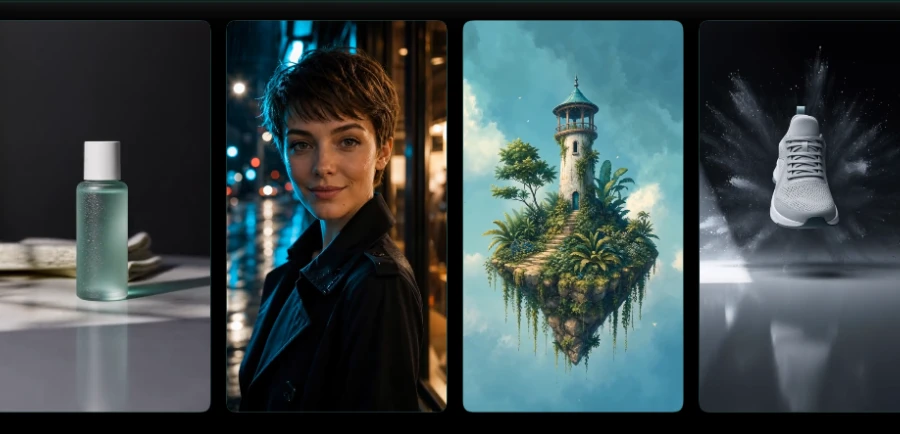
Motiofy
Motiofy is an AI video generator that transforms still images into dynamic video clips for product listings, ads, and social media.
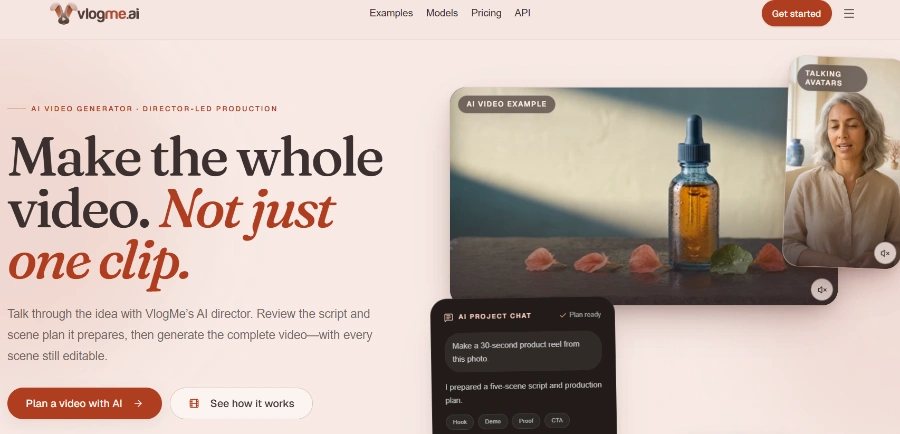
VlogMe AI
VlogMe AI is an AI video generator with an AI Director, planning and creating complete videos using multiple advanced AI models for diverse tasks.

LTX 2.5
LTX 2.5 is an all-in-one creative studio for AI video production, designed for creative teams, marketers, and filmmakers.
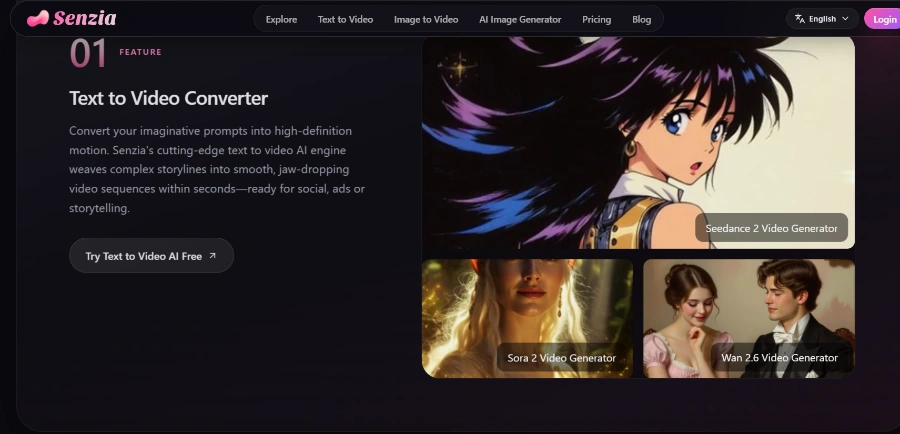
Senzia
Senzia is a free online AI video, image, and audio generator that transforms ideas, text, photos, or audio into cinema-grade visuals without editing skills.
Heyo
Heyo is an AI video maker that adds fun effects to photos, turning them into animated videos for social sharing.
Revid
Revid is an online AI video generator that transforms ideas, text, images, or references into high-quality videos for various content creation needs.
Freebeat AI Mobile
AI-powered mobile video generator for creating stunning visuals with a few taps.
Stivio ai
Stivio ai is an online AI video generator that animates photos into HD MP4 clips using text prompts for motion.
Automatically transforms long-form content like podcasts, webinars, and interviews into multiple short, viral clips suitable for platforms like YouTube Shorts, TikTok, and Instagram, complete with smart AI reframing, animated subtitles, and B-rolls.
A full-stack video editing suite that uses AI to understand context, make edits, add captions, reframe speakers, and transform raw footage into publish-ready videos, enhancing storytelling aesthetically.
Converts various inputs (text, audio, documents, existing videos) into dynamic videos featuring realistic AI human avatars, bringing words and voices to life for engaging product demos or storytelling.
Automatically generates accurate subtitles in over 35 languages with more than 10 animation styles and supports translation into over 100 languages, making videos easier to watch and share.
Records screen and webcam footage in up to 4K resolution, offering features like recording specific sections, annotating on screen, customizing backgrounds, blurring parts of the screen, and emphasizing mouse clicks.
An AI-powered tool for removing video backgrounds, including green screen removal, to create professional-looking footage.
Detailed Pricing Info
- Efficiently transforms long-form content into multiple viral short videos using AI.
- Generates engaging videos from various inputs like text, audio, and documents using AI human avatars.
- Includes a comprehensive AI video editing suite that automates tasks and enhances storytelling.
- Offers automatic subtitle generation in 35+ languages and translation into 100+ languages, with various animation styles.
- Features a 4K screen and webcam recorder with advanced tools like annotation, custom backgrounds, and mouse emphasis.
- Significantly speeds up video creation and editing, allowing users to produce content faster.
- The free plan is highly restrictive, with severe limitations on upload length, subtitle generation, generative credits, and screen recording duration.
- Recordings made using the free plan are watermarked.
- Lower paid tiers still have limitations on export quality, video length, storage, and the number of premium assets or AI editing credits.
What is Vmaker AI?
Who can use Vmaker AI?
Does Vmaker AI offer a free plan?
Can Vmaker AI generate videos from text or audio?
Related Topics
Write a Review
Community Feedback (0)
Ready to try Vmaker AI?
Motiofy
Motiofy is an AI video generator that transforms still images into dynamic video clips for product listings, ads, and social media.
VlogMe AI
VlogMe AI is an AI video generator with an AI Director, planning and creating complete videos using multiple advanced AI models for diverse tasks.
LTX 2.5
LTX 2.5 is an all-in-one creative studio for AI video production, designed for creative teams, marketers, and filmmakers.
Senzia
Senzia is a free online AI video, image, and audio generator that transforms ideas, text, photos, or audio into cinema-grade visuals without editing skills.
Heyo
Heyo is an AI video maker that adds fun effects to photos, turning them into animated videos for social sharing.
Revid
Revid is an online AI video generator that transforms ideas, text, images, or references into high-quality videos for various content creation needs.
Freebeat AI Mobile
AI-powered mobile video generator for creating stunning visuals with a few taps.
Stivio ai
Stivio ai is an online AI video generator that animates photos into HD MP4 clips using text prompts for motion.