

VoiceAppear
VoiceAppear is a speech-to-text dictation desktop app for Windows and Mac, offering 99%+ accuracy across 90+ languages.
Related Categories
Relevant Reads
Related AI Tools

Google AI Edge Eloquent
An AI-powered iOS dictation app that transforms natural speech into clean, professional text using on-device processing.

Grok Voice Think Fast 1.0
Grok Voice Think Fast 1.0 is an AI voice model by SpaceXAI, offering fast speech processing capabilities via API for developers.

AI Video Summarizer
AI Video Summarizer is a free online tool that converts videos into text summaries, transcripts, and mind maps.

Saveto AI
Saveto AI is a free AI summarizer and transcriber for video, audio, and documents, supporting over 200 languages.

Audio Transcriber AI
Free online AI tool to transcribe audio to text in multiple languages without sign-up.

Mumble AI
Mumble AI offers voice notes, meeting summaries, and private on-device dictation for Mac users.
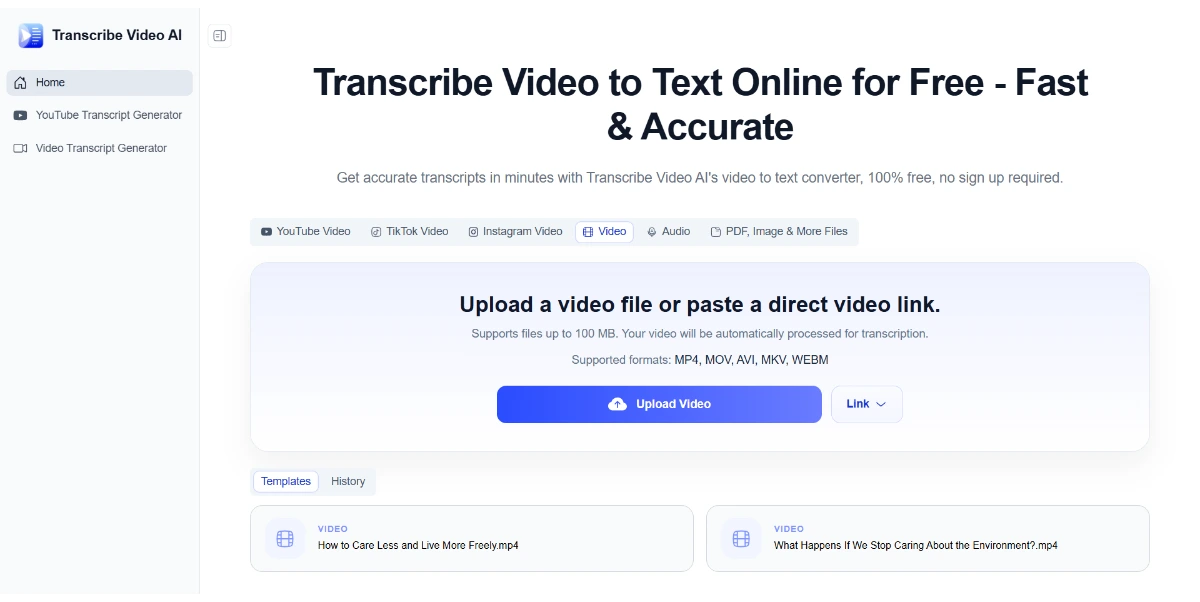
Transcribe Video AI
Free AI tool to convert video to text, generate subtitles, and summarize content online.

SpotScribe
SpotScribe is an AI transcriber that extracts Spotify podcast transcripts, generates AI summaries, and enables interactive chat for learners and professionals.
VoiceAppear functions across the entire operating system, allowing users to dictate text directly into any application, browser, or text input field on their Windows or Mac computer by pressing a designated shortcut key.
The tool provides over 99% transcription accuracy across all major supported languages, ensuring reliable conversion of speech to text.
VoiceAppear supports over 90 languages, including major languages from the USA, Europe, and Asia. It features automatic language detection and allows users to switch between languages seamlessly even mid-sentence.
The application automatically refines dictated text by correcting mistakes, removing filler words, and cleaning up speech even if the user stutters or changes their mind mid-sentence, resulting in clean, ready-to-send text.
Transcribed text appears rapidly, with an average display time of approximately 300 milliseconds after dictation.
VoiceAppear ensures user privacy by never storing or sharing audio or transcript data. All processing is done securely, and data is discarded immediately after the text is generated.
The tool has improved capabilities for dictating code, recognizing commands, agents, and filenames, with specific enhancements for use in Claude Code environments.
Detailed Pricing Info
- Achieves high transcription accuracy of 99%+ across a wide range of languages.
- Supports over 90 languages with automatic detection and mid-sentence switching, beneficial for multilingual users.
- Integrates seamlessly system-wide, allowing dictation into any application or text field on Windows and Mac.
- Enhances productivity with AI-powered autocorrect, automatic text cleanup, and faster input than typing.
- Prioritizes user privacy by not storing or sharing voice data or transcripts.
- Offers a 14-day free trial without requiring a credit card.
- Limited to desktop platforms (Windows and Mac) with no mention of web or mobile application support.
- Does not offer a perpetual free plan, only a limited-time free trial.
What is VoiceAppear?
How much does it cost?
Which languages are supported?
Does it work in every app?
Is my voice data private?
How accurate is the transcription?
How can I use the speech to text?
Who uses voice typing?
Can I try it for free?
Main Categories
Related Topics
Write a Review
Community Feedback (0)
Ready to try VoiceAppear?
Google AI Edge Eloquent
An AI-powered iOS dictation app that transforms natural speech into clean, professional text using on-device processing.
Grok Voice Think Fast 1.0
Grok Voice Think Fast 1.0 is an AI voice model by SpaceXAI, offering fast speech processing capabilities via API for developers.
AI Video Summarizer
AI Video Summarizer is a free online tool that converts videos into text summaries, transcripts, and mind maps.
Saveto AI
Saveto AI is a free AI summarizer and transcriber for video, audio, and documents, supporting over 200 languages.
Audio Transcriber AI
Free online AI tool to transcribe audio to text in multiple languages without sign-up.
Mumble AI
Mumble AI offers voice notes, meeting summaries, and private on-device dictation for Mac users.
Transcribe Video AI
Free AI tool to convert video to text, generate subtitles, and summarize content online.
SpotScribe
SpotScribe is an AI transcriber that extracts Spotify podcast transcripts, generates AI summaries, and enables interactive chat for learners and professionals.