
ZCode
ZCode is an open-source AI coding agent for developers, offering multi-platform support across IDEs, CLI, and cloud with flexible model choices.
Relevant Reads
Related AI Tools

GPT for Work
AI agent for Excel and Google Sheets to automate spreadsheet tasks, data cleaning, analysis, formula writing, and content generation.

Google AI Edge Eloquent
An AI-powered iOS dictation app that transforms natural speech into clean, professional text using on-device processing.
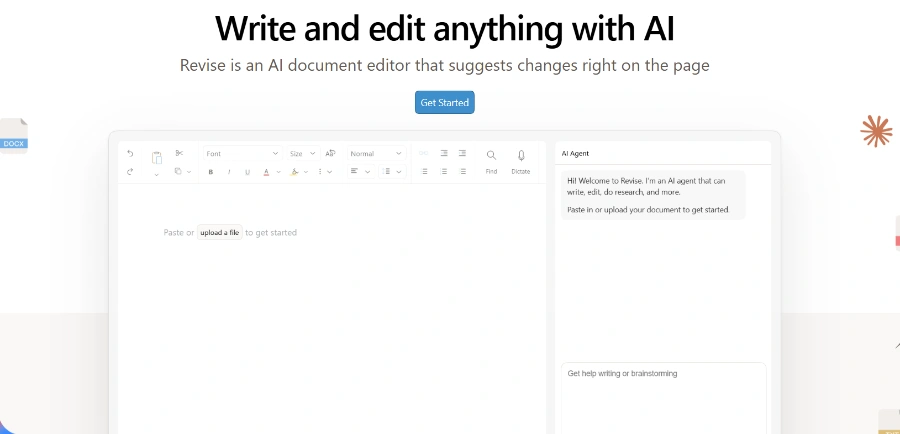
Revise
AI document editor for writing, proofreading, reformatting, and revising entire documents with tracked changes.

Atlas Cloud
Atlas Cloud provides developers with a unified API for over 400 AI models across image, video, audio, and chat modalities.
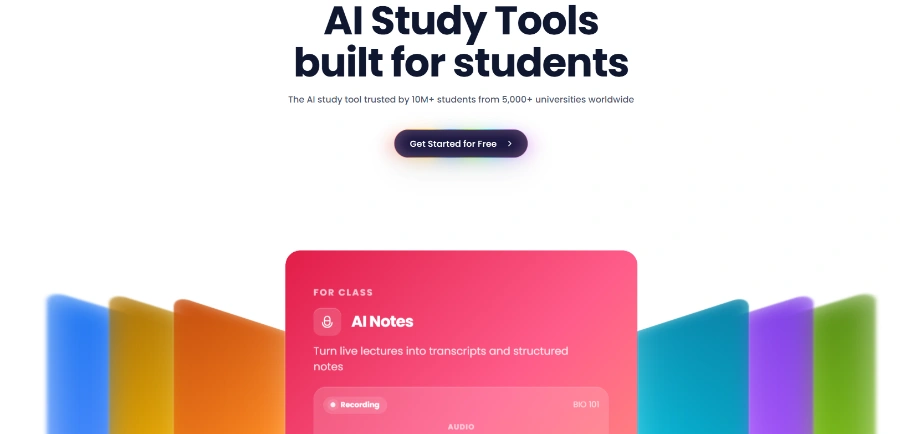
Solvely.ai
Solvely.ai is an all-in-one AI study tool providing homework help, notes, flashcards, quizzes, and exam preparation for students.

Diagrid
Diagrid provides agentic durable execution for production AI, ensuring automatic crash recovery and cryptographically verifiable execution for AI agents.
Springbrand
SpringBrand offers tools and a marketplace to enhance DeepSeek Harness (dsh), an open-source, plugin-based AI agent harness for developers.

Picsart GenAI MCP & CLI
AI tool for integrating Picsart's image, video, and audio generation capabilities into AI assistants and command-line workflows.
ZCode, powered by Kilo, functions as an open-source AI coding agent available across various developer environments including VS Code, JetBrains IDEs, CLI, and cloud. Its MIT license allows users to inspect, modify, and self-host the agent, ensuring transparency and flexibility.
The tool provides access to over 500 AI models from more than 60 providers, including frontier, open-weight, and local models. Users can bring their own API keys for services like Anthropic, OpenAI, Google, Azure, and AWS Bedrock, or run local models with Ollama or LM Studio, ensuring zero markup on inference costs.
ZCode ships with specialized agent modes to handle different aspects of the development workflow. These include Code Mode for writing, refactoring, and shipping production-ready code; Architect Mode for planning complex features and structured guidance; and Debug Mode for identifying, tracing, and suggesting fixes for bugs.
A dedicated desktop application for macOS, Windows, and Linux allows users to run multiple AI agents side-by-side in one window for code and data tasks, providing a centralized control center for agentic workflows.
ZCode enables running AI agents in the cloud, freeing up local resources for long-running or resource-intensive tasks. It also provides automated code review agents that analyze pull requests, suggest improvements, catch bugs, and ensure code quality standards before merging.
Users can start a Kilo Session on one platform and seamlessly continue it on another, such as moving from an IDE to the CLI or a mobile device. AI agents, context, and progress follow across devices and environments, maintaining workflow continuity.
Kilo Gateway acts as a unified API endpoint, providing access to hundreds of AI models from various providers through a single interface. It supports streaming, allows users to bring their own keys (BYOK), and includes usage tracking.
The platform includes an AI Adoption Score feature that allows teams to track and measure their AI adoption effectiveness with comprehensive analytics. This helps in understanding usage patterns, identifying opportunities, and optimizing AI-assisted development workflows.
Detailed Pricing Info
- Open-source and MIT-licensed, offering transparency, auditability, and the ability to fork, modify, or self-host the tool.
- Extensive model flexibility, supporting over 500 AI models from various providers, with options to bring your own API keys or use local models for enhanced privacy and control.
- Cost-effective AI inference with zero markup on model usage, offering pay-as-you-go options through Kilo Gateway or bonus credits with Kilo Pass subscriptions.
- Broad multi-platform integration, working across major IDEs (VS Code, JetBrains), CLI, Cloud, Desktop applications, and mobile devices, ensuring agents are accessible where developers work.
- Specialized agentic workflows with dedicated modes for coding, architectural planning, debugging, and automated code reviews, streamlining complex development tasks.
- Seamless session continuity, allowing users to start and continue AI agent sessions and context across different devices and environments without interruption.
- The pricing model, which separates platform access, AI inference, and cloud compute, can be perceived as complex to understand and manage for some users.
- While a free plan is available, advanced features such as team management, enterprise governance, custom SSO, and priority support are restricted to paid 'Teams' or 'Enterprise' plans.
- The provided official context is promotional and does not contain any explicit user-reported cons or limitations beyond feature tiering.
What is ZCode?
Is ZCode (Kilo Code) free?
How do I install ZCode (Kilo Code)?
What IDEs and platforms does ZCode (Kilo) support?
Which AI models does ZCode (Kilo Code) support?
How does ZCode (Kilo) handle code privacy and data?
What agent modes does ZCode (Kilo Code) have?
Related Topics
Write a Review
Community Feedback (0)
Ready to try ZCode?
GPT for Work
AI agent for Excel and Google Sheets to automate spreadsheet tasks, data cleaning, analysis, formula writing, and content generation.
Google AI Edge Eloquent
An AI-powered iOS dictation app that transforms natural speech into clean, professional text using on-device processing.
Revise
AI document editor for writing, proofreading, reformatting, and revising entire documents with tracked changes.
Atlas Cloud
Atlas Cloud provides developers with a unified API for over 400 AI models across image, video, audio, and chat modalities.
Solvely.ai
Solvely.ai is an all-in-one AI study tool providing homework help, notes, flashcards, quizzes, and exam preparation for students.
Diagrid
Diagrid provides agentic durable execution for production AI, ensuring automatic crash recovery and cryptographically verifiable execution for AI agents.
Springbrand
SpringBrand offers tools and a marketplace to enhance DeepSeek Harness (dsh), an open-source, plugin-based AI agent harness for developers.
Picsart GenAI MCP & CLI
AI tool for integrating Picsart's image, video, and audio generation capabilities into AI assistants and command-line workflows.