
Clipdance
AI video generator that transforms text and images into professional 1080p videos with synchronized audio for creators.
Related Categories
Relevant Reads
Related AI Tools
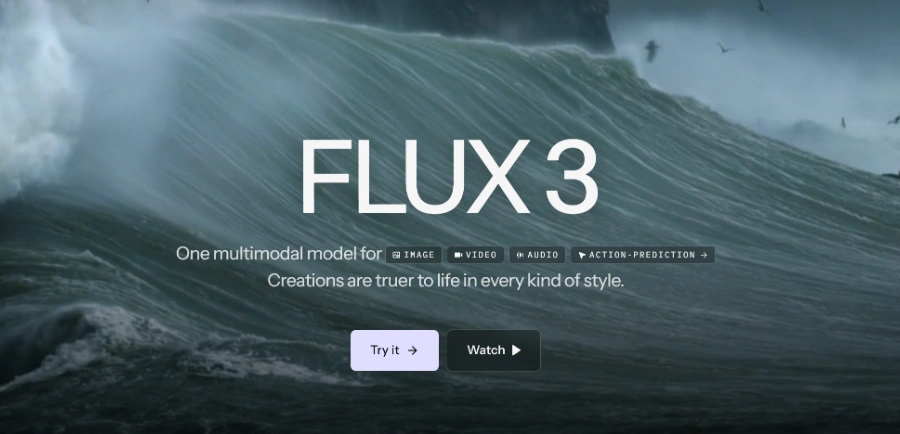
FLUX 3
FLUX 3 is a multimodal foundation model for video, image, and audio generation, offering action prediction and real-world visual intelligence.

AiVideoFree
AiVideoFree is a free online AI video generator that creates videos and images from text or images for social media and marketing.
Heyo
Heyo is an AI video maker that adds fun effects to photos, turning them into animated videos for social sharing.
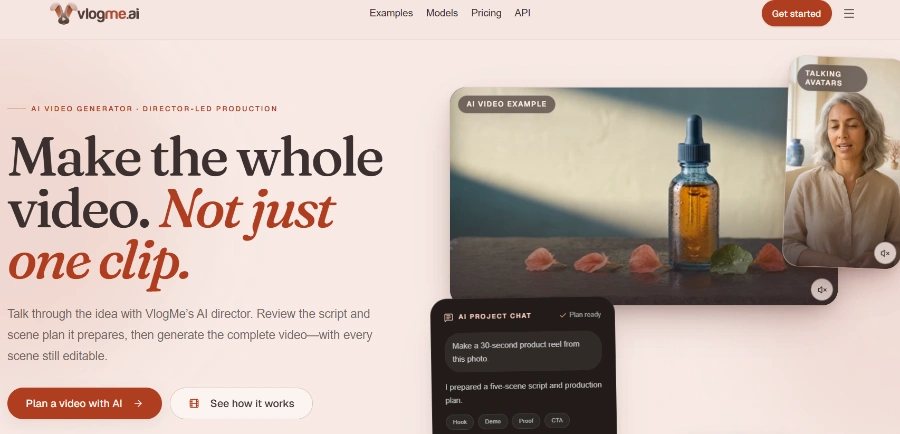
VlogMe AI
VlogMe AI is an AI video generator with an AI Director, planning and creating complete videos using multiple advanced AI models for diverse tasks.
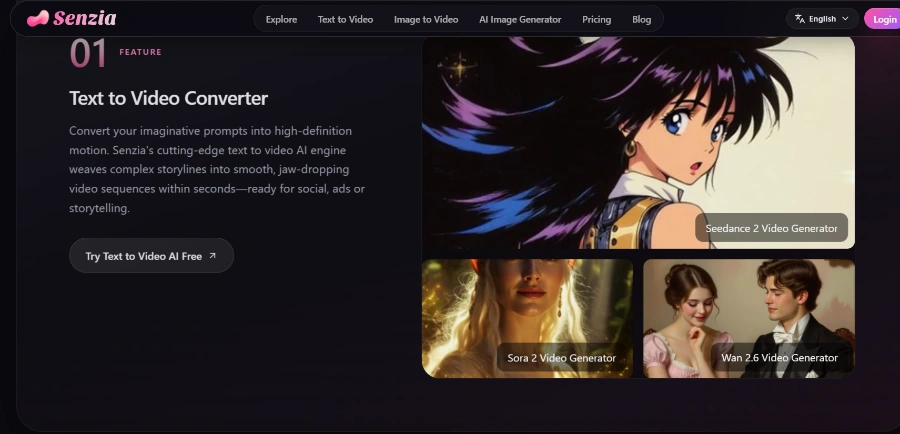
Senzia
Senzia is a free online AI video, image, and audio generator that transforms ideas, text, photos, or audio into cinema-grade visuals without editing skills.
LTX 2.5
LTX 2.5 is an all-in-one creative studio for AI video production, designed for creative teams, marketers, and filmmakers.
Freebeat AI Mobile
AI-powered mobile video generator for creating stunning visuals with a few taps.
Stivio ai
Stivio ai is an online AI video generator that animates photos into HD MP4 clips using text prompts for motion.
Allows users to describe a scene in natural language, and ClipDance generates a video complete with dialogue, sound effects, and ambient audio, eliminating the need for separate audio editing.
Enables users to upload a photo, which ClipDance then animates with natural motion. Users can specify first and last frames or allow the model to determine the animation.
Supports up to 12 reference inputs, including images, video clips, and audio files, which can be fed into Seedance 2.0 to precisely control the style, motion, and composition of the generated output.
Allows users to upload an existing video clip, describe the desired edits, and ClipDance applies them. Users can choose to retain the original audio or switch to AI-generated sound.
Users can upload an audio track, and ClipDance automatically matches camera cuts, transitions, and motion to the beat, making it ideal for creating music videos and social media reels.
Characters generated by ClipDance can speak naturally in over 8 languages, including English, Japanese, Korean, and Mandarin, with automatic mouth movement synchronization for each language.
Enables the creation of multi-scene videos with consistent characters and coherent storytelling, suitable for producing animated series or vlogs with a unified visual style.
Provides users with access to a variety of AI video models (e.g., Seedance 2.5, Seedance 2.0, Kling V3, Vidu Q3) and image models (e.g., Nano Banana Pro, Seedream 4.5, GPT Image 2.5, Grok Imagine 2.0), offering diverse generation capabilities.
Detailed Pricing Info
- Simplifies video creation by generating professional videos from text or images without requiring filming or complex editing software.
- Features integrated native audio generation, producing synchronized dialogue, sound effects, and ambient audio directly with the video, eliminating separate audio editing.
- Supports multimodal inputs including text, images, video clips, and audio files, allowing for extensive control over the style, motion, and composition of the output.
- Catters to a wide range of creators and use cases, from animators and filmmakers to content creators and marketers, supporting character animation, manga videos, and product demos.
- Provides access to a diverse selection of advanced AI models, including Seedance 2.0 (ByteDance), Kling V3, Vidu Q3, GPT Image 2.5, and Grok Imagine 2.0, enhancing creative possibilities.
- The credit-based system means unused subscription credits do not roll over to the next billing cycle, and credit pack credits expire after 30 days, potentially leading to wasted resources.
- Higher resolutions (4K) and longer video durations (up to 15 seconds) are restricted to more expensive 'Business' and 'Enterprise' plans, limiting capabilities for users on lower tiers.
- Advanced creative controls such as camera & lens control, seed control, and negative prompts are only available with higher-tier subscriptions, restricting creative freedom for basic plan users.
What is ClipDance?
How does the credit system work?
Is there a free plan available?
Can I switch plans or cancel my subscription at any time?
Related Topics
Write a Review
Community Feedback (0)
Ready to try Clipdance?
FLUX 3
FLUX 3 is a multimodal foundation model for video, image, and audio generation, offering action prediction and real-world visual intelligence.
AiVideoFree
AiVideoFree is a free online AI video generator that creates videos and images from text or images for social media and marketing.
Heyo
Heyo is an AI video maker that adds fun effects to photos, turning them into animated videos for social sharing.
VlogMe AI
VlogMe AI is an AI video generator with an AI Director, planning and creating complete videos using multiple advanced AI models for diverse tasks.
Senzia
Senzia is a free online AI video, image, and audio generator that transforms ideas, text, photos, or audio into cinema-grade visuals without editing skills.
LTX 2.5
LTX 2.5 is an all-in-one creative studio for AI video production, designed for creative teams, marketers, and filmmakers.
Freebeat AI Mobile
AI-powered mobile video generator for creating stunning visuals with a few taps.
Stivio ai
Stivio ai is an online AI video generator that animates photos into HD MP4 clips using text prompts for motion.