
CreateMemorial
Create online memorial websites and funeral slideshow videos from photos to honor loved ones.
Related Categories
Relevant Reads
Related AI Tools

VlogMe AI
VlogMe AI is an AI video generator with an AI Director, planning and creating complete videos using multiple advanced AI models for diverse tasks.
FLUX 3
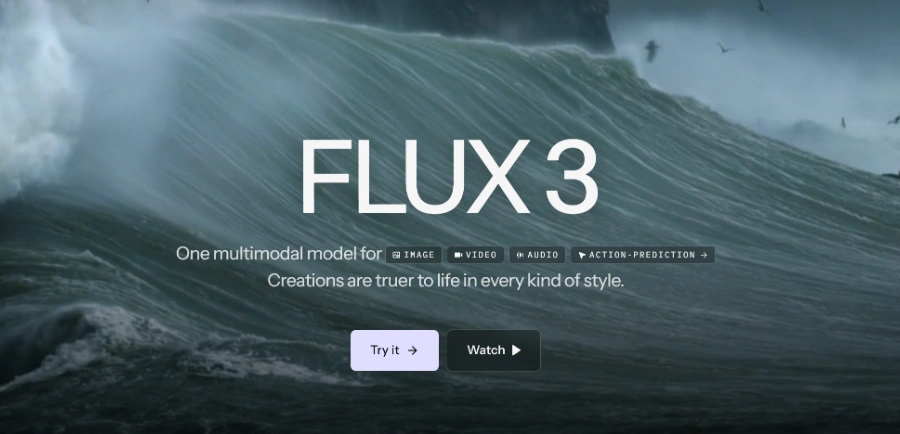
FLUX 3 is a multimodal foundation model for video, image, and audio generation, offering action prediction and real-world visual intelligence.

LTX 2.5
LTX 2.5 is an all-in-one creative studio for AI video production, designed for creative teams, marketers, and filmmakers.
Motiofy
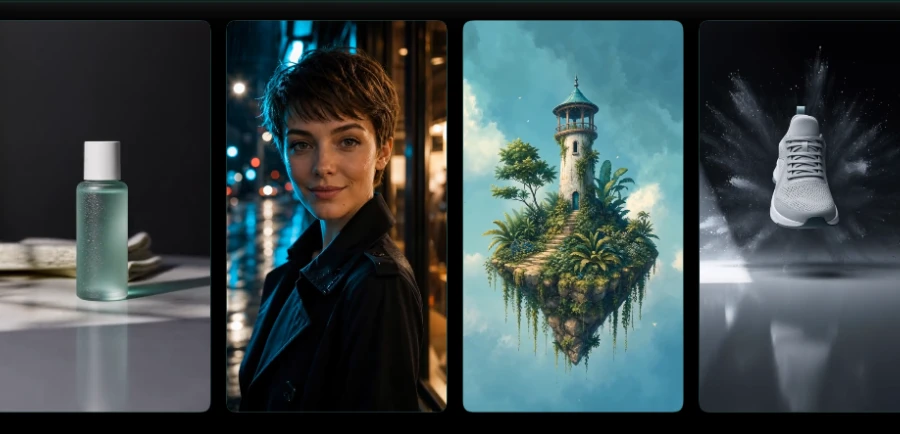
Motiofy is an AI video generator that transforms still images into dynamic video clips for product listings, ads, and social media.
Heyo
Heyo is an AI video maker that adds fun effects to photos, turning them into animated videos for social sharing.
Revid
Revid is an online AI video generator that transforms ideas, text, images, or references into high-quality videos for various content creation needs.
Freebeat AI Mobile
AI-powered mobile video generator for creating stunning visuals with a few taps.
Stivio ai
Stivio ai is an online AI video generator that animates photos into HD MP4 clips using text prompts for motion.
Users can create a dedicated digital memorial page to honor loved ones, including an obituary, photo gallery, life story, condolences, and virtual candles.
Transforms uploaded photos into a polished 1080p MP4 funeral slideshow video with music, transitions, and remembrance text, suitable for services or gatherings.
Allows uploading and organizing family photos and videos to be displayed on the memorial page and used in slideshows. Premium plans offer unlimited media uploads.
Provides features for family and friends to share memories, leave heartfelt messages, and light virtual candles on the memorial page, fostering community remembrance.
Offers granular control over who can view the memorial, including public, private (only-me), invitation-only, or password-protected settings.
Provides a selection of beautifully designed memorial templates (e.g., Classic, Sunny, Rose, Nostalgic, Warm, Serene Nature) that adapt to content and can be customized.
The Premium plan includes the ability to designate a trusted person to manage the memorial if the original creator is no longer able to, ensuring its long-term preservation.
A unified credit balance for premium exports like high-resolution obituaries and funeral slideshow videos. Credits are included with Premium or can be purchased separately.
Detailed Pricing Info
- Free Forever Basic Plan: Offers a fully functional basic memorial page at no cost, allowing anyone to create a tribute.
- One-Time Payment for Premium: The Premium plan is a single payment for lifetime access, avoiding recurring subscription fees.
- Integrated Memorial Website & Video Creation: Combines the creation of a digital memorial page with the ability to generate high-quality funeral slideshow videos.
- Strong Privacy Controls: Users have granular control over who can view and contribute to the memorial, from public to password-protected or invitation-only.
- Easy to Use During Difficult Times: Designed for simplicity and ease of creation, allowing users to set up a memorial in minutes without technical stress.
- Permanent Digital Legacy: Provides a lasting online tribute that is preserved for generations, unlike fleeting social media posts.
- Limited Free Plan Features: The free 'Basic' plan is restricted to only 5 photos and lacks advanced features like unlimited media, custom banners, and advanced privacy settings.
- Slideshow Export Requires Credits: Generating and exporting the 1080p MP4 funeral slideshow video requires tool credits, which are either limited with Premium (3,000 upfront) or purchased separately.
- No Explicit Mobile App: The provided information does not mention a dedicated mobile application for managing memorials or creating content on the go, suggesting web-only access.
- One-Time Premium Cost is Relatively High: While offering lifetime access, the $199 one-time payment for the Premium plan might be a significant upfront cost for some users, especially during a difficult time.
How do I create a memorial on CreateMemorial?
Is CreateMemorial free to use?
Can I make my CreateMemorial private?
Related Topics
Write a Review
Community Feedback (0)
Ready to try CreateMemorial?
VlogMe AI
VlogMe AI is an AI video generator with an AI Director, planning and creating complete videos using multiple advanced AI models for diverse tasks.
FLUX 3
FLUX 3 is a multimodal foundation model for video, image, and audio generation, offering action prediction and real-world visual intelligence.
LTX 2.5
LTX 2.5 is an all-in-one creative studio for AI video production, designed for creative teams, marketers, and filmmakers.
Motiofy
Motiofy is an AI video generator that transforms still images into dynamic video clips for product listings, ads, and social media.
Heyo
Heyo is an AI video maker that adds fun effects to photos, turning them into animated videos for social sharing.
Revid
Revid is an online AI video generator that transforms ideas, text, images, or references into high-quality videos for various content creation needs.
Freebeat AI Mobile
AI-powered mobile video generator for creating stunning visuals with a few taps.
Stivio ai
Stivio ai is an online AI video generator that animates photos into HD MP4 clips using text prompts for motion.