
Image To Video AI Free
AI tool to generate daily free video previews from images with motion prompts, offering paid upgrades for higher quality and longer clips.
Related Categories
Relevant Reads
Related AI Tools
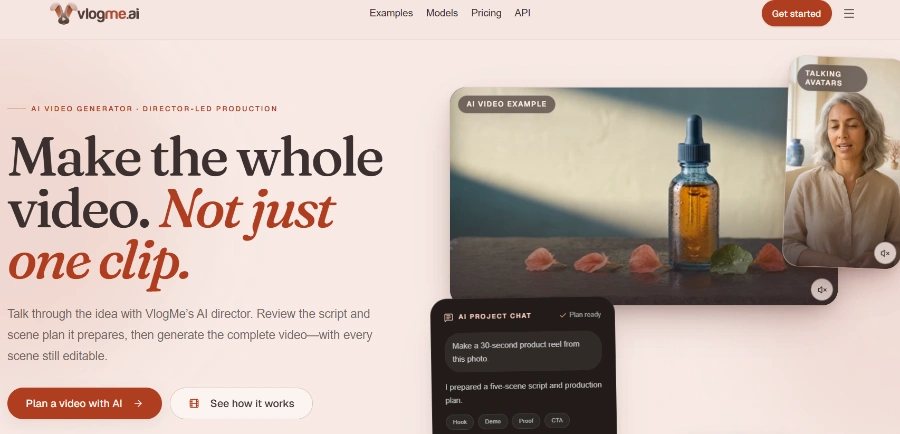
VlogMe AI
VlogMe AI is an AI video generator with an AI Director, planning and creating complete videos using multiple advanced AI models for diverse tasks.
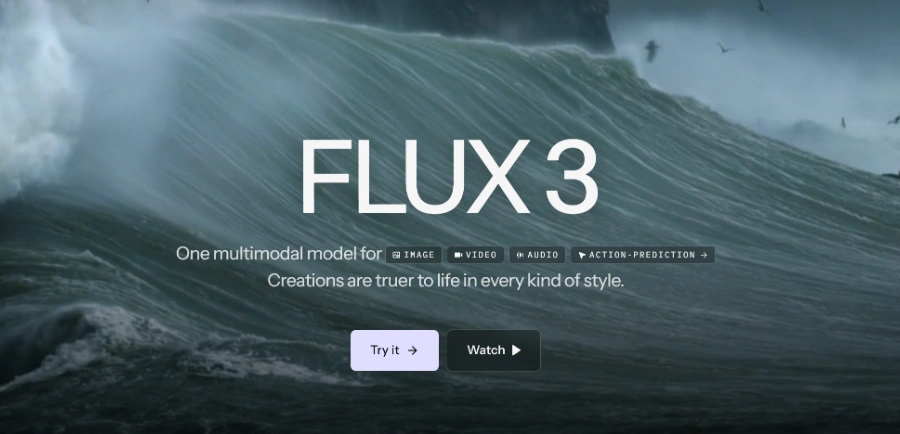
FLUX 3
FLUX 3 is a multimodal foundation model for video, image, and audio generation, offering action prediction and real-world visual intelligence.

LTX 2.5
LTX 2.5 is an all-in-one creative studio for AI video production, designed for creative teams, marketers, and filmmakers.
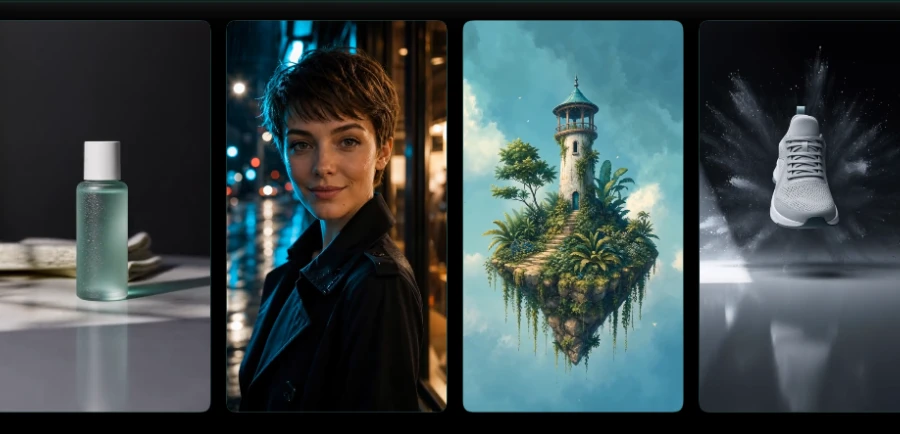
Motiofy
Motiofy is an AI video generator that transforms still images into dynamic video clips for product listings, ads, and social media.
Heyo
Heyo is an AI video maker that adds fun effects to photos, turning them into animated videos for social sharing.
Revid
Revid is an online AI video generator that transforms ideas, text, images, or references into high-quality videos for various content creation needs.
Freebeat AI Mobile
AI-powered mobile video generator for creating stunning visuals with a few taps.
Stivio ai
Stivio ai is an online AI video generator that animates photos into HD MP4 clips using text prompts for motion.
Transforms still images (PNG, JPG, JPEG, WEBP) into animated video clips directly in the browser.
Allows users to describe desired camera movements, subject actions, lighting shifts, or cinematic effects using text prompts to guide the AI animation.
Offers daily free AI video generations at 480p resolution and 2-second duration without requiring user signup.
Provides access to various AI models, including image-to-video, text-to-video, and image creation workflows, all using a single credit balance.
Supports generating videos from 2 to 12 seconds in duration and resolutions from 480p up to 1080p with paid credits.
Includes ready-made effect pages for popular outcomes such as AI Hug, AI Kiss, AI Dance, AI Sway Dance, AI Baby, and AI Muscle, allowing users to create similar videos from their own images.
Users can review tasks created from their browser or account, preview finished videos, reopen prompts, share links, download files, or delete items.
Generated videos from paid plans can be used for commercial purposes.
Detailed Pricing Info
- Offers daily free video generations (480p, 2s) without requiring user signup, providing a low-friction entry point for testing.
- Provides detailed control over video animation through text prompts, enabling specific camera movements, subject actions, and stylistic effects.
- Supports multi-model functionality, including image-to-video, text-to-video, and image creation, all managed from a single credit balance.
- Offers flexible pricing with subscription plans and pay-as-you-go credits that never expire, catering to diverse user needs.
- Includes commercial use rights for generated content with paid plans, making it suitable for professional applications.
- The tool is browser-based and optimized for mobile devices, allowing for creation and access from various platforms.
- Free tier generations are significantly limited in duration (2 seconds), resolution (480p), and may experience slower processing queues, making them unsuitable for professional output.
- All free tier videos are watermarked, requiring a paid upgrade for watermark-free exports.
- Advanced features like longer durations, higher resolutions, and faster processing are exclusively tied to a credit-based system, which can incur costs for frequent or high-quality usage.
- While there is a free tier, there is no explicit free trial period for the full capabilities of the paid plans, meaning users must commit to a subscription or purchase credits to access premium features.
What is ImageToVideoAIFree and how does it work?
Can I generate AI videos for free?
What kinds of photos work best?
Do I need a powerful computer?
Can I use generated videos commercially?
Are there watermarks on generated videos?
Related Topics
Write a Review
Community Feedback (0)
Ready to try Image To Video AI Free?
VlogMe AI
VlogMe AI is an AI video generator with an AI Director, planning and creating complete videos using multiple advanced AI models for diverse tasks.
FLUX 3
FLUX 3 is a multimodal foundation model for video, image, and audio generation, offering action prediction and real-world visual intelligence.
LTX 2.5
LTX 2.5 is an all-in-one creative studio for AI video production, designed for creative teams, marketers, and filmmakers.
Motiofy
Motiofy is an AI video generator that transforms still images into dynamic video clips for product listings, ads, and social media.
Heyo
Heyo is an AI video maker that adds fun effects to photos, turning them into animated videos for social sharing.
Revid
Revid is an online AI video generator that transforms ideas, text, images, or references into high-quality videos for various content creation needs.
Freebeat AI Mobile
AI-powered mobile video generator for creating stunning visuals with a few taps.
Stivio ai
Stivio ai is an online AI video generator that animates photos into HD MP4 clips using text prompts for motion.