
SuperIntern
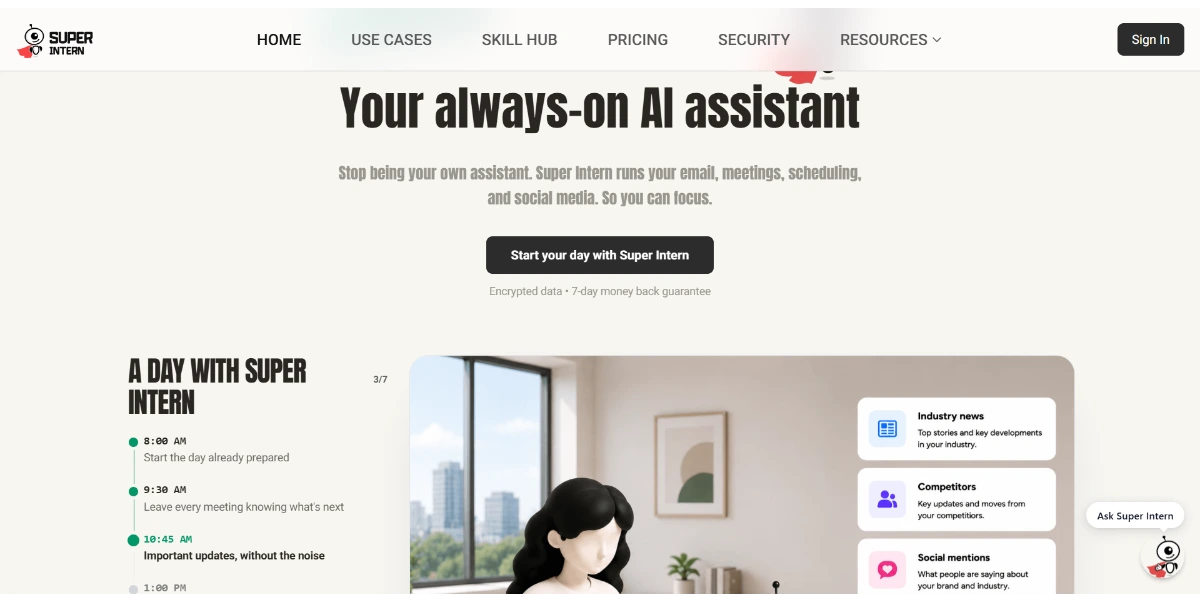
SuperIntern is an always-on AI assistant that automates email, meetings, scheduling, and social media for client-facing professionals.
Related Categories
Relevant Reads
Related AI Tools
Veloxy
Veloxy is an AI-powered field sales productivity platform for Salesforce users, automating CRM updates, optimizing routes, and prioritizing leads to boost win rates.
Evernote AI
AI-powered note cleanup and search for Evernote users.
Taskade
AI-powered workspace for remote teams to collaborate, plan, and execute.
Notion AI
Notion AI is an all-in-one workspace with AI agents that automate tasks, answer questions, and streamline workflows for teams.
Tana
The everything OS for teams with deep AI integration.
Mem
AI-powered knowledge base that organizes your workspace automatically.
Mailbutler
Email extension for Apple Mail, Gmail, and Outlook with AI features.
Bearly AI
Read, write, and create faster with an AI assistant for researchers.
SuperIntern auto-drafts email replies in the user's tone, requiring approval before sending. It watches the inbox around the clock to prepare replies, ensuring they are ready before the user opens the email.
The AI continuously learns the user's tone, style, and habits from their preferences and edits. Every edit helps refine the next draft, ensuring replies feel unmistakably like the user.
SuperIntern works through popular messaging apps already on the user's phone, such as Telegram, WhatsApp, Discord, Slack, and WeChat. This allows users to speak replies, schedule meetings, and capture reminders on the go.
The tool can join meetings, take notes, remember what was decided, and draft next steps and follow-up emails. It maintains a searchable record of agreements and conversation history.
Users can set a schedule once for recurring tasks, and SuperIntern will keep them running automatically.
SuperIntern keeps track of context and contacts, helping to maintain relevant and personalized communication.
The AI grounds its answers and actions in the user's documents, links, Notion, Google Drive, and GitHub, providing business-specific context.
SuperIntern connects with email providers like Gmail and Outlook for one-click setup, and operates within messaging platforms such as Telegram, WhatsApp, Discord, Slack, and WeChat.
Detailed Pricing Info
- Automates Core Administrative Tasks: Significantly reduces time spent on email drafting, scheduling, and follow-ups, allowing users to focus on higher-value work.
- Personalized Communication: Learns and adapts to the user's unique tone and style, ensuring drafted communications sound authentic and professional without explicit prompting.
- Mobile Accessibility & Flexibility: Operates seamlessly across various messaging apps on mobile devices, enabling productivity from anywhere without needing a desktop.
- Comprehensive Meeting Management: Provides automated note-taking, summarization, and follow-up drafting for meetings, creating a searchable record of discussions and agreements.
- Deep Integration with Existing Workflows: Connects with popular email clients (Gmail, Outlook) and integrates with knowledge bases (Notion, Google Drive, GitHub) and messaging platforms, minimizing disruption to current tools.
- Robust Security & Compliance: Built with enterprise-grade security, including SOC 2 Type I certification, GDPR compliance, and hosting on Google Cloud Platform.
- AI Fallibility: As a generative AI tool, SuperIntern explicitly states it 'can make mistakes,' requiring users to verify important information before sending or acting, which adds a layer of manual oversight.
- Credit-Based Usage: The service operates on a credit system, which might limit extensive usage for some users or require careful monitoring to stay within monthly allowances.
- No Perpetually Free Plan: While offering a 7-day free trial, there is no perpetually free tier, meaning continued use requires a paid subscription.
What is SuperIntern?
How does SuperIntern learn my voice and style?
Related Topics
Write a Review
Community Feedback (0)
Ready to try SuperIntern?
Veloxy
Veloxy is an AI-powered field sales productivity platform for Salesforce users, automating CRM updates, optimizing routes, and prioritizing leads to boost win rates.
Evernote AI
AI-powered note cleanup and search for Evernote users.
Taskade
AI-powered workspace for remote teams to collaborate, plan, and execute.
Notion AI
Notion AI is an all-in-one workspace with AI agents that automate tasks, answer questions, and streamline workflows for teams.
Tana
The everything OS for teams with deep AI integration.