
VibeKnow Studio
AI video generator that turns documents, PDFs, PPTs, and URLs into polished explainer videos with voiceover and visuals.
Related Categories
Relevant Reads
Related AI Tools
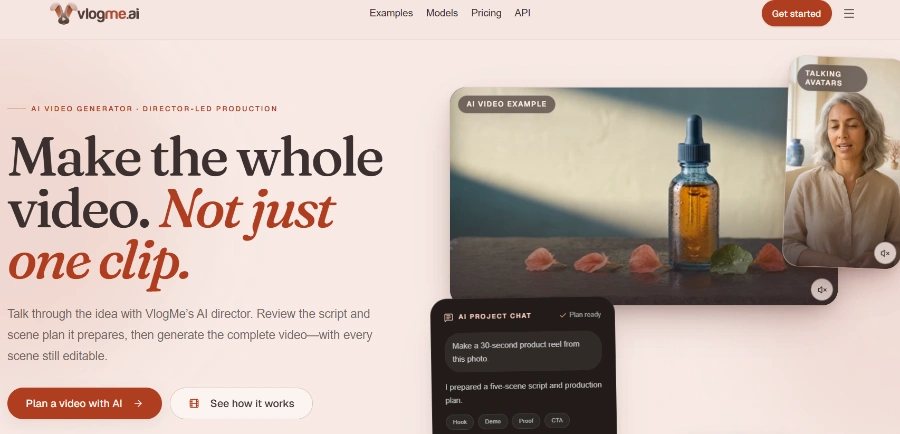
VlogMe AI
VlogMe AI is an AI video generator with an AI Director, planning and creating complete videos using multiple advanced AI models for diverse tasks.
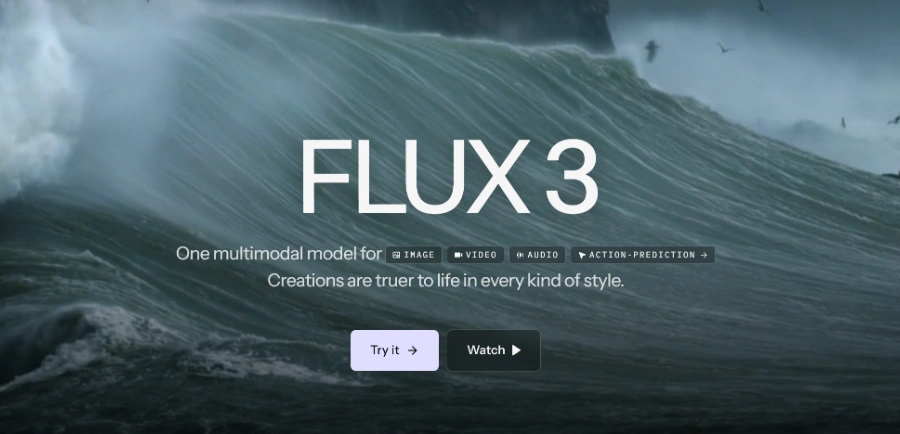
FLUX 3
FLUX 3 is a multimodal foundation model for video, image, and audio generation, offering action prediction and real-world visual intelligence.

LTX 2.5
LTX 2.5 is an all-in-one creative studio for AI video production, designed for creative teams, marketers, and filmmakers.
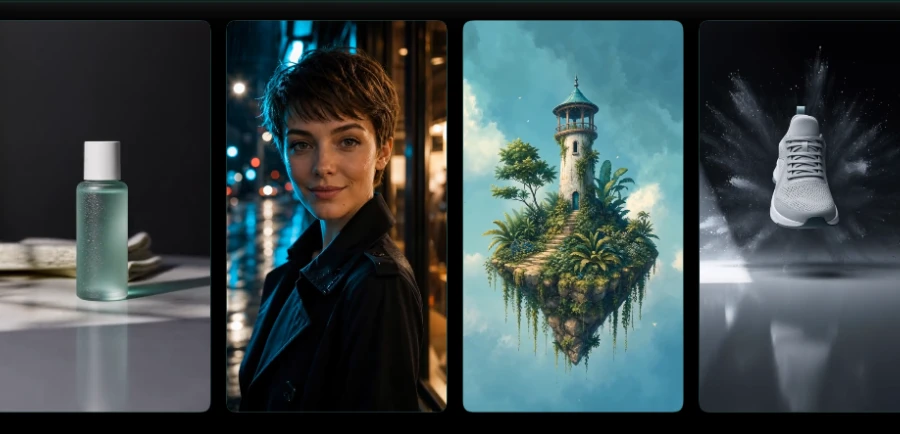
Motiofy
Motiofy is an AI video generator that transforms still images into dynamic video clips for product listings, ads, and social media.
Heyo
Heyo is an AI video maker that adds fun effects to photos, turning them into animated videos for social sharing.
Revid
Revid is an online AI video generator that transforms ideas, text, images, or references into high-quality videos for various content creation needs.
Freebeat AI Mobile
AI-powered mobile video generator for creating stunning visuals with a few taps.
Stivio ai
Stivio ai is an online AI video generator that animates photos into HD MP4 clips using text prompts for motion.
Transforms various text formats including Google Docs, Notion pages, blog URLs, PDFs, Word, PPT, Markdown, TXT, and Ebooks into video content.
AI automatically writes the video script, selects a voice, and generates natural-tone voiceovers in 8+ languages, with options for voice cloning.
The AI acts as a 'director' or 'producer,' designing every visual, adding music, and cutting the video tight, with 100+ studio-designed templates.
Generates videos in both 16:9 (landscape) and 9:16 (vertical) aspect ratios from a single source input.
Automatically generates captions and styles them for native platform integration, with one-click export to platforms like YouTube, TikTok, and Reels.
Allows users to update source content (e.g., a paragraph in an SOP) and quickly re-render the video in approximately 90 seconds to reflect the changes.
Supports batch generation of multiple videos, a core strength for high-volume needs, and offers API access for enterprises and platforms.
Automatically applies brand kit elements, including colors and voice, to maintain brand consistency across generated videos.
Detailed Pricing Info
- Rapid Video Generation: Creates a 3-5 minute video in approximately 3 minutes, significantly faster than traditional production methods.
- Comprehensive Automation: Handles the full production stack (scripting, voice, visuals, editing, music) from text input, requiring no video editing skills.
- High-Quality AI Narration: Features natural-tone voices with believable emphasis and pauses, avoiding generic text-to-speech sounds.
- Content-Aware Visuals: AI intelligently designs visuals based on content structure, automatically generating charts from data or animations from workflows.
- Efficient Content Repurposing: Excellent for converting existing long-form text content (docs, PDFs, blogs) into engaging video formats for wider audience reach.
- Batch Processing & API: Supports batch generation of videos and offers API access for high-volume enterprise needs, streamlining content production.
- Watermarked Free Exports: Videos generated using the free plan include a watermark, requiring an upgrade for unbranded content.
- Limited Document Size: Input documents or URL links are restricted to a maximum size of 50 MB across all plans.
- Specialized for Explainers: The tool is not a general AI video editor, meaning its functionality is tailored specifically for explainer video formats.
- Credit-Based Usage: The system operates on a credit basis, which may limit the number of videos or features accessible depending on the subscription plan.
What is VibeKnow?
What input formats are supported?
How long does it take to generate a video?
What about video quality?
What scenarios is it suited for?
How is it different from other AI video tools?
Can it produce videos in batch?
Is there an API?
Related Topics
Write a Review
Community Feedback (0)
Ready to try VibeKnow Studio?
VlogMe AI
VlogMe AI is an AI video generator with an AI Director, planning and creating complete videos using multiple advanced AI models for diverse tasks.
FLUX 3
FLUX 3 is a multimodal foundation model for video, image, and audio generation, offering action prediction and real-world visual intelligence.
LTX 2.5
LTX 2.5 is an all-in-one creative studio for AI video production, designed for creative teams, marketers, and filmmakers.
Motiofy
Motiofy is an AI video generator that transforms still images into dynamic video clips for product listings, ads, and social media.
Heyo
Heyo is an AI video maker that adds fun effects to photos, turning them into animated videos for social sharing.
Revid
Revid is an online AI video generator that transforms ideas, text, images, or references into high-quality videos for various content creation needs.
Freebeat AI Mobile
AI-powered mobile video generator for creating stunning visuals with a few taps.
Stivio ai
Stivio ai is an online AI video generator that animates photos into HD MP4 clips using text prompts for motion.